Good script!
I am not a microtonality user but I wanted to improve its use.
I can suggest to add a start and end automation point.
This way it does not impact the previous or next notes on the track.
I made a lua conversion on your script (I prefer lua to JS) and added start/end automation points. I also made versions with sliders (to be more visual).
Let me know (I mean Dannyu) if you are interested, I will send them to you directly to update your own github.
@Dannyu_NDos You can tell me if you are interested (see my reply above).
I will then send you my 3 converted scripts. To see if you can keep them or not.
I prefer that you update your own github since this comes from your original source code. Someone already asked me for my version (and I tell him to wait for your own github update). It might be better to centralize it on a single github location. Let me know.
For those waiting, I’ve released my own version of this script in lua, replacing the input text with sliders and refactoring the source code: synthv-scripts from jfa
Inside the category tools: TunerSL.lua
I’ve just enabled the intervals to be defined as edosteps. Feel free to use the new feature.
I’ve just revamped the script. Now this script detunes the notes directly, rather than utilizing the pitch deviation automation.
Test video:
A more lyrical test video:
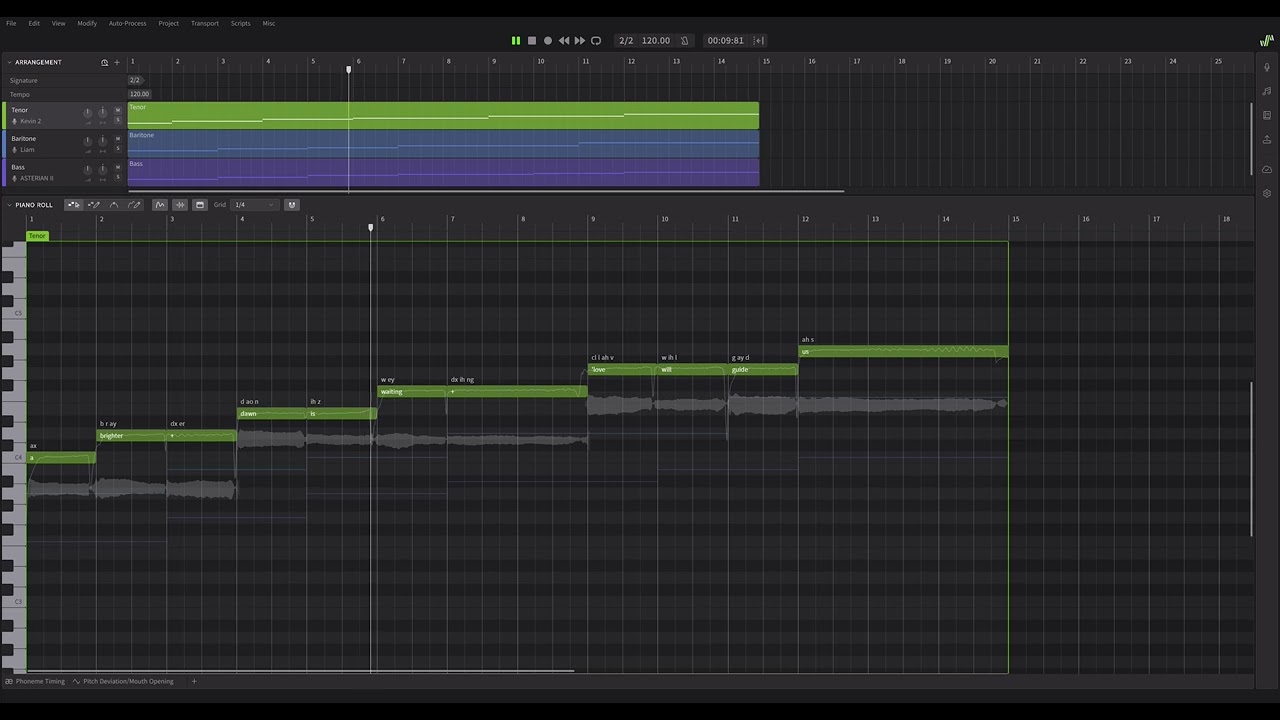
Just adapted the script for the new version of 2.1.2.
Fixed a bug; and a test video:
Thanks a lot for this work!
Been using the following: “Overtone tuning”: “1/1 17/16 9/8 19/16 5/4 21/16 11/8 3/2 13/8 27/16 7/4 15/8”.
Wonder if we can integrate MTS-ESP…
It might be a tall order. Would be much better if Dreamtonics added that kind of support. Then, we could synchronize tuning across different plugins.
Just overhauled the script. Now this script accepts intervals in a single text area, and can handle an arbitrary number of intervals within an arbitrary period.
Though, for unknown reasons, I cannot manually type newlines into the text area. Ugh…
Dreamtonics’ response about the unavailability to enter newlines into the text area:
Dear NDospark320,
Thank you for reaching out to Dreamtonics Support.
This feature is currently unavailable for specific reasons. While we regret that we are unable to offer a workaround or immediate resolution at this time, we will share your feedback with our management team for their review.
Thank you again for your interest in our products.
We hope you have a nice day.Best,
Dreamtonics Support Team
In my backup script project, I added a button that opens a dialog box displaying a larger text area. This allows line breaks to be inserted without warning. Confirming this dialog box will update the text area of the current panel, ensuring seamless integration.
It turns out this script is applicable to Instrument X as well. Here’s a test video: