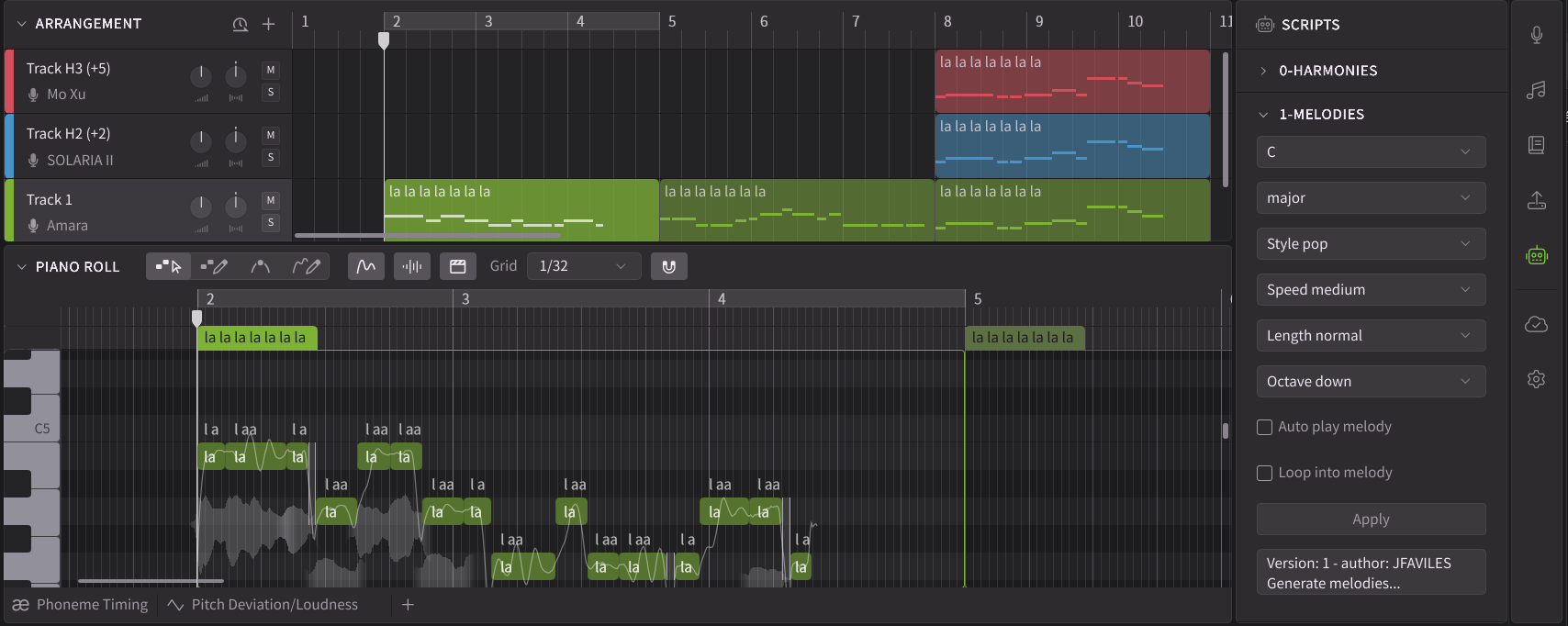
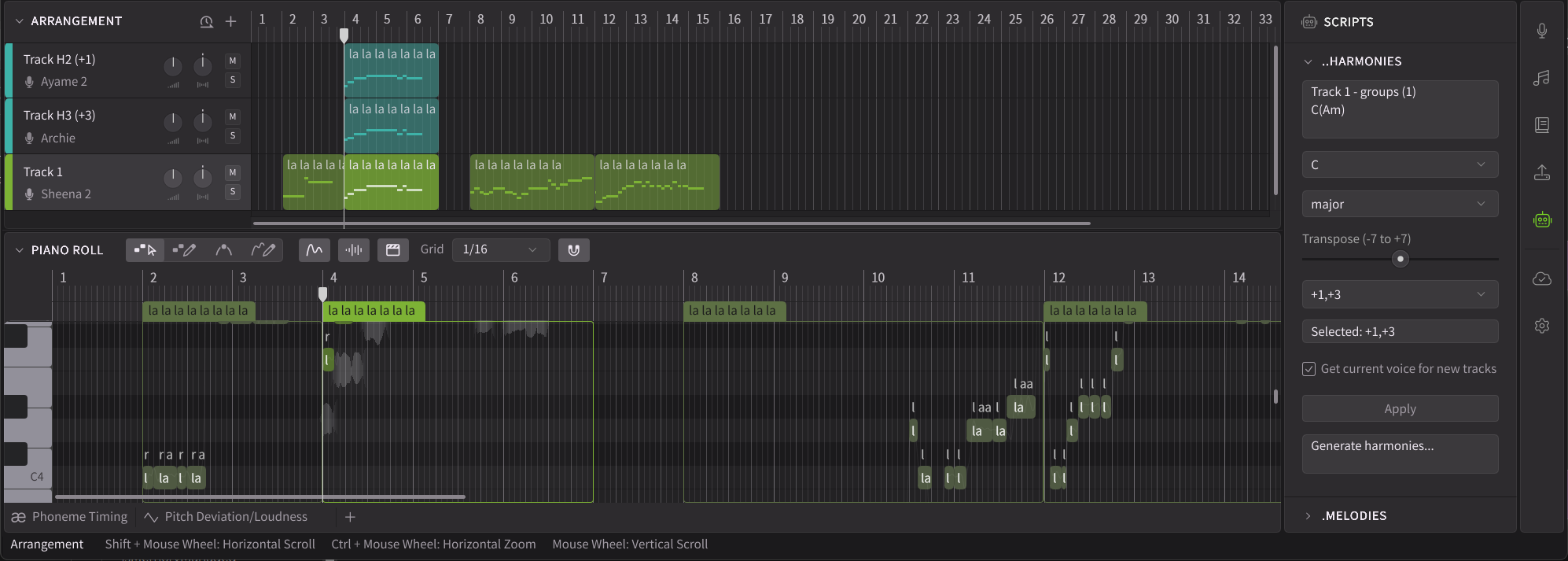
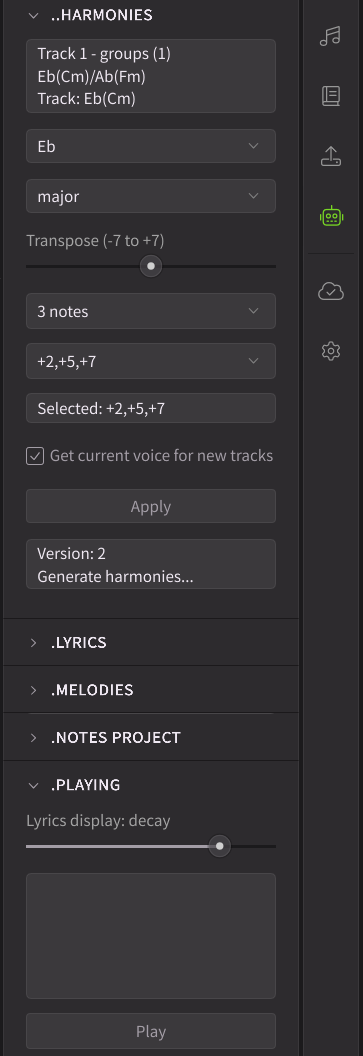
Building on version 2.1.1, this release further expands scripting capabilities with the addition of the Scripts panel. This allows users to define custom UI widgets using scripts, opening up possibilities to deep-customize Synthesizer V Studio to individual workflows.
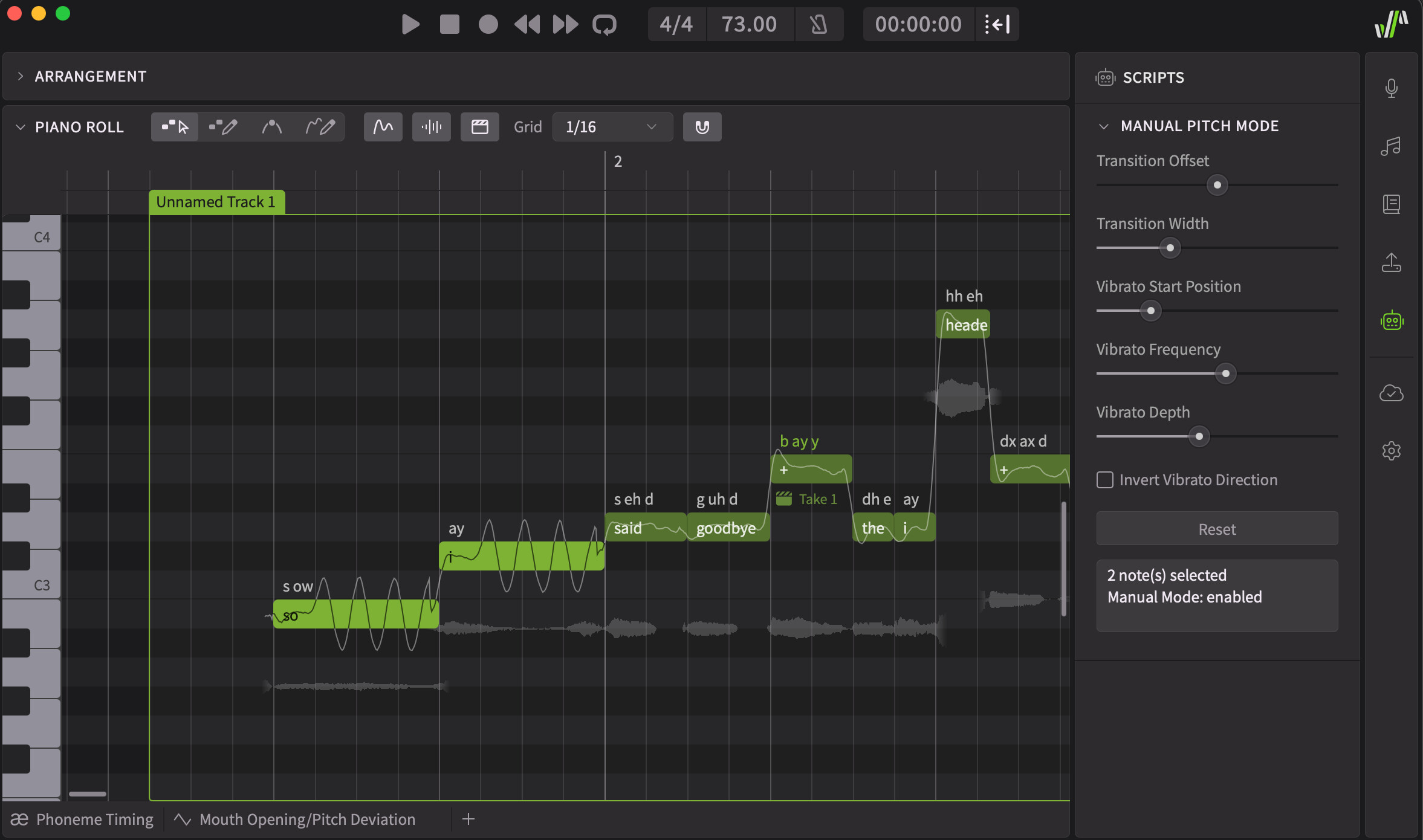
As an example, we’d like to share a proof-of-concept script that emulates the Manual Mode feature from the first version of Synthesizer V Studio. This feature was discontinued in version 2 due to architectural incompatibility with new features and quality improvements.
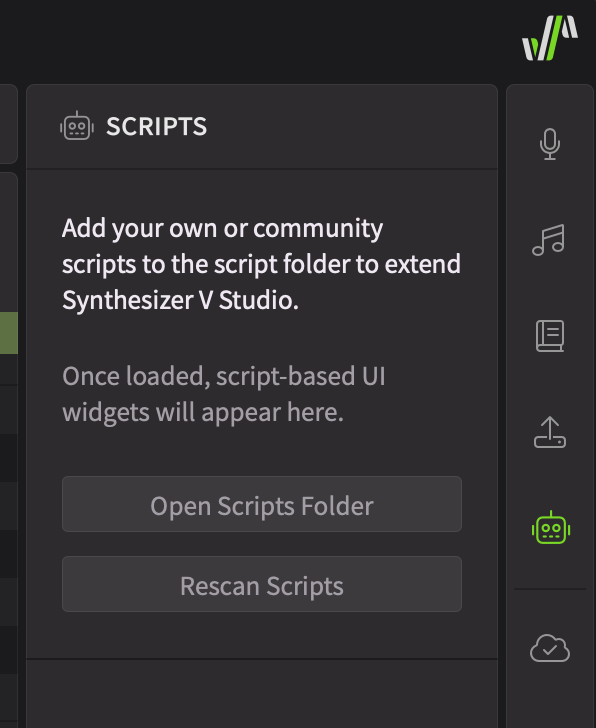
To install this script, extract the JavaScript file, follow the instructions on the Scripts panel to place it in the scripts folder, and click “rescan”.
While we welcome feedback on the forum, we may not be able to address the replies promptly. It’s also difficult to request necessary details (e.g. project files) for bug reproduction in a public forum. Therefore, we kindly request that you report issues via the support ticket system.
Synthesizer V Studio 2 Pro 2.1.2b1
New Features
Added Script panel and script bindings for UI widgets, allowing users to add custom UI to the side panel.
Added script functions related to persistent data storage inside the project and the ability to select pitch control objects.
Behavior Changes
Changed the minimal length of a note to half the snapping unit.
Feature Enhancements
Voice panel now supports multiple selected groups in Arrangement.
Bug Fixes
Fixed playback getting stuck when starting playback from the ARA plugin’s side with an active loop region in Pro Tools.
Fixed playhead stopping after reaching the end of the loop region when using the ARA plugin in Cubase.
Fixed inability to move the playhead from the ARA plugin’s side during playback in REAPER.
Fixed Arrangement’s snapping option not being preserved after closing the application.
Fixed the loop region extending beyond the border and being displayed even when Arrangement is collapsed.
Fixed left/right arrow keys being intercepted by the UI when the file chooser is open.
Fixed unexpected logouts when attempting to use a voice after the trial expires.
I just want to thank Dreamtonics for coming up with this clever solution to bring back manual controls, especially vibrato. Nice and convenient side panel too.
Now I can enjoy the best of both worlds, enhanced V2 features and the V1-like controls when you want them.
Just for someone who might be opening a V1 created project in V2, the “manual pitch mode” will not work properly unless you untick the “convert manual mode pitch into control points” when opening the file. And of course you need to change the voice to V2 version.
It took a while for me to figure this out.
If manual mode can be scripted then it is not architecturaly incompatible as claimed.
Someone had so say it. They can’t keep acting as if they can’t help it. Good that they are walking back from their mis-steps anyway. Little by little.
I am disappointed and frustrated that this is being presented as an alternative, since it is completely different from the Manual Mode in the old version.
They use terms like “proof of concept” and “beta”. It’s not being presented as an alternative even if they use words like “emulate”. This is a starting point, so maybe quit the outrage.
That said, they have clearly said that manual mode is incompatible with version 2, so being “completely” the same, is probably not going to happen.
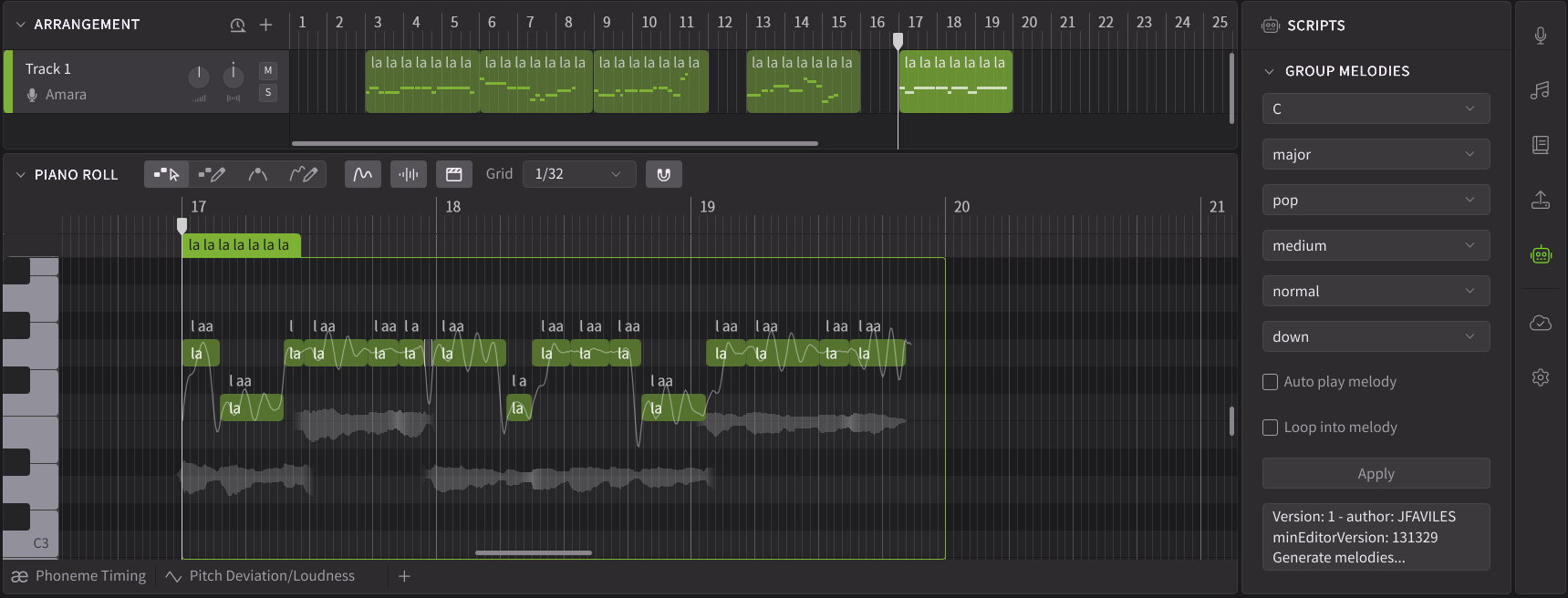
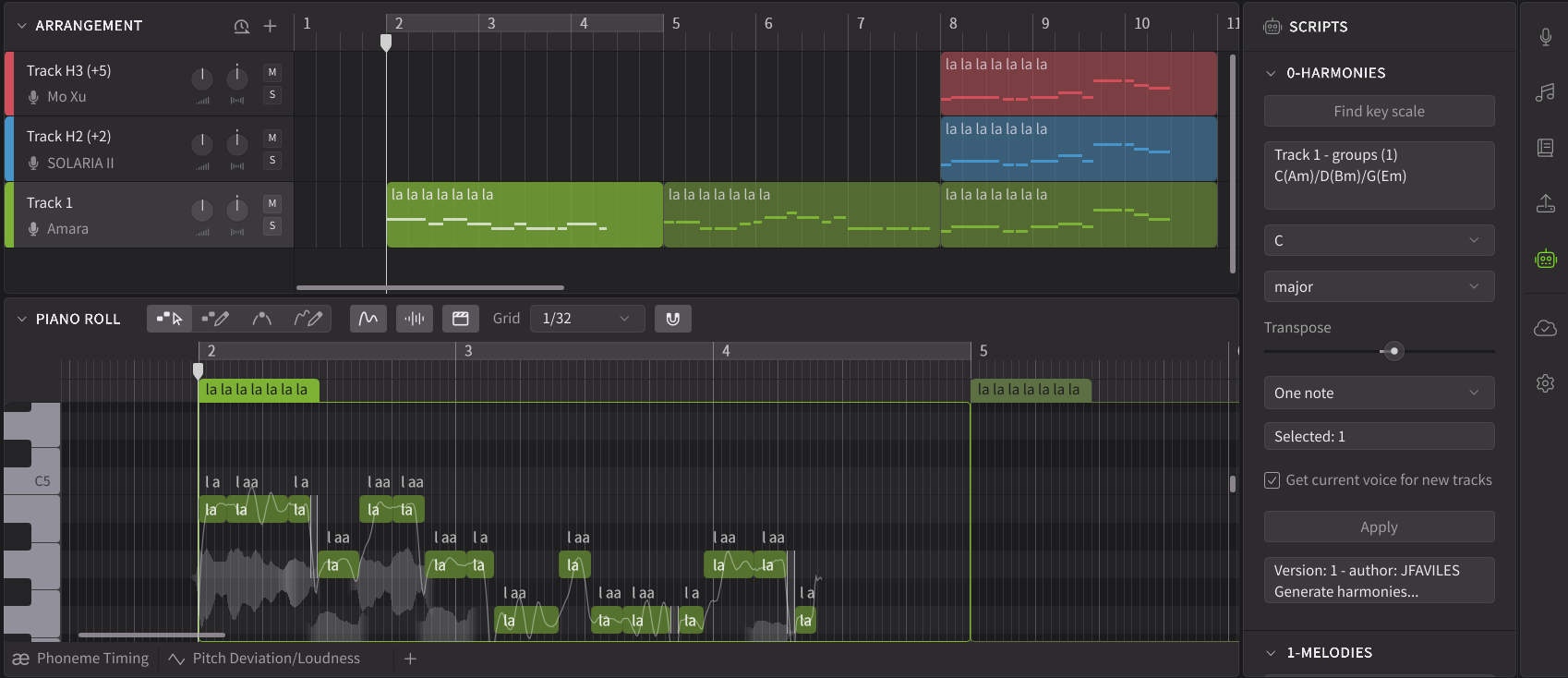
Not yet finished, in progress… and a little frustrated because of the static controls. My harmony script couldn’t be adapted because of these limitations.
I am very positive about this 2.1.2 b1 version.
My goal with manual mode in the previous version of SV1 was to get a little more robotic sound through the pitch stretch effect of the note.
Of course, you can use Variaudio, Pitch Flex, Auto tune, and so on, but I felt that it was much more natural to transform the pitch curve like a robot during the note sequence and basic render stage.
The proof-of-concept script related to manual mode provided by Dreamtonics was very intuitive by my standards, and I got the impression that it wasn’t bad for vibrato adjustments that other users were referring to.
With the addition of this script panel, it would be nice if Dreamtonics could provide a little more official scripts.
The reason is that it’s a very personal case of me, but I’m not good at script making compared to music work.
I don’t want an official script to be added right away because the parts I feel uncomfortable with are being improved by the update yet, but I hope this will be considered.
That looks lovely. Two steps forward, one step back(?) While the new scripting limitations create issues, the separate tab contributes a lot to usability (I think). Many thanks for your efforts, and looking forward to trying out the script when you have it ready to go. Big fan of your scripts!
There are no “new” limitations, just the same ones. But the panel is a nice new feature for users.
See my last screen shot and last script saved on my repo.
I misunderstood - glad it’s at least status quo and hopefully it’s something Dreamtonics continues to improve on. Scripting is like a foreign language (well, literally, as well as figuratively it is ) to me. Appreciate your efforts.
I have already managed to place your two scripts on the sidebar at the same time as the script from Dreamtonics. I have not yet found the time to try them in practice. I use about 10 scripts and I have probably tried another 10 scripts during the time I use both versions of “SynthV”. I download scripts continuously, but I will not have time to use the vast majority of them (scripts). I have them according to the well-known fairy tale expression - “for Uncle Incident”. I want to thank you for your beautiful and necessary work.
I discovered a new undocumented script command in order to refresh panel. So previous limitations is out now. My new harmony panel is coming with the same functionalities than the dialog box version (and created or updated more panels).