As the title suggests, my sidebar, as in the small panel usually placed on the right that allows you to access other panels, is missing. I’ve tried reinstalling and it still will not return. Now, for the most part, this isn’t the worst thing to happen, and I have workarounds to access the desired panels, but it’s a huge annoyance to constantly return to the ‘view’ panel every time I need to open a new panel.
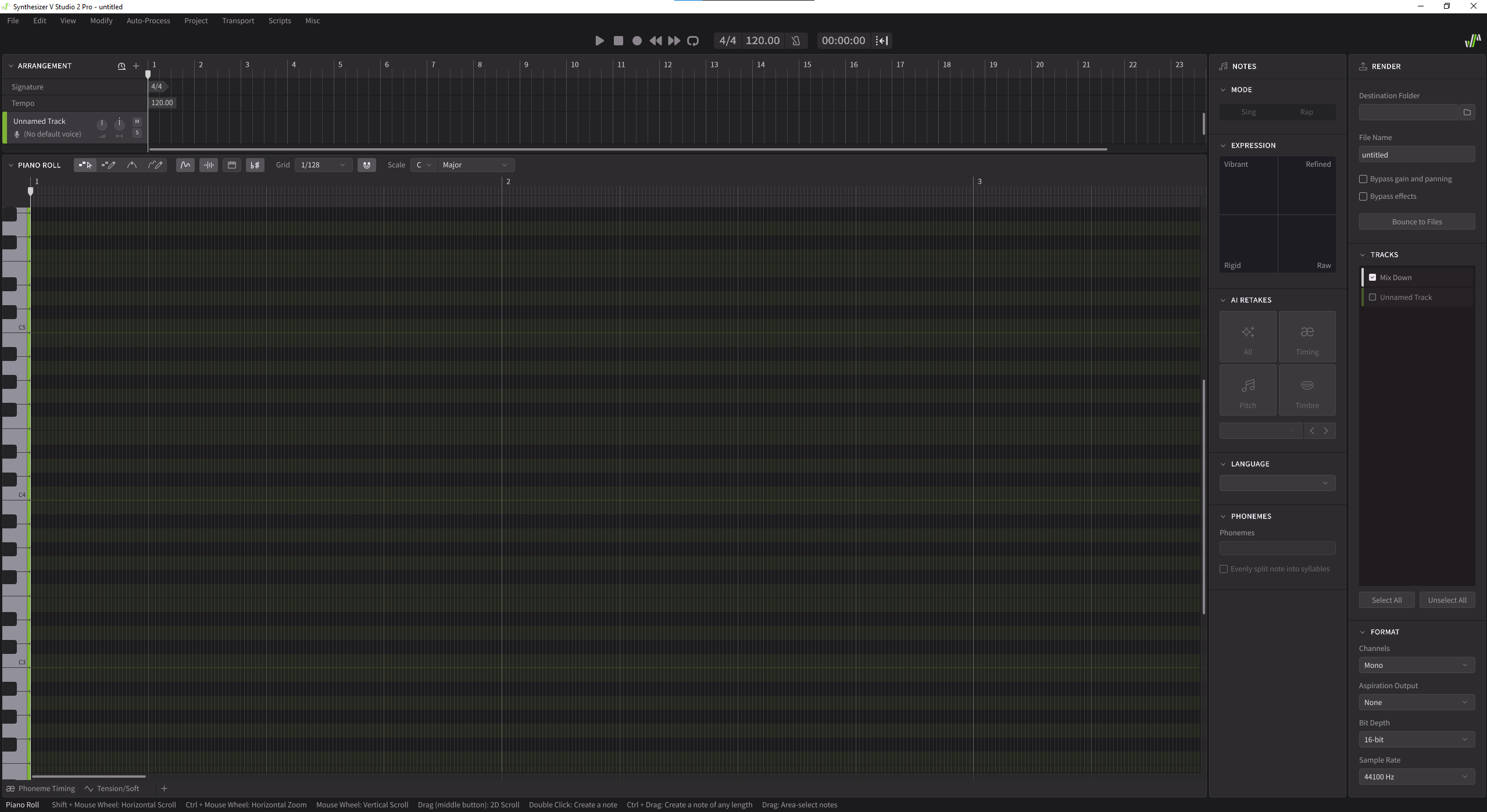
You can try this…
Navigate to
C > Users > UserName > AppData > Roaming > Dreamtonics > Synthesizer V Studio 2 > settings
Open settings.xml in a text editor.
Look for a line that starts
<SidePanelContainerModel
and a line
</SidePanelContainerModel>
Delete from one to the other, and replace with
  <SidePanelContainerModel attachmentMode="ModeBRAttached">
        <SidePanelLaunchBar contentLength="48" collapsed="0" attachmentMode="ModeTLAttached"/>
  <SidePanelLaunchBar contentLength="48" collapsed="0" attachmentMode="ModeBRAttached"/>


      </SidePanelContainerModel>
Save your xml file, and restart S-V. Hopefully this will put it back to the right hand side.
If you don’t feel comfortable with this, I would uninstall Synth-V again, navigate to C > Users > UserName > AppData > Roaming > Dreamtonics > Synthesizer V Studio 2 > settings. Delete the whole settings folder, and then re-install.
I suspect when you re-installed the first time, it didn’t replace the settings file that was probably not deleted when you uninstalled it.
Seems like a bug to allow you to “delete” the panel in the first place if there’s no way in the application to get it back (and I certainly couldn’t find one).